产品展示
界面稿
故事叙事
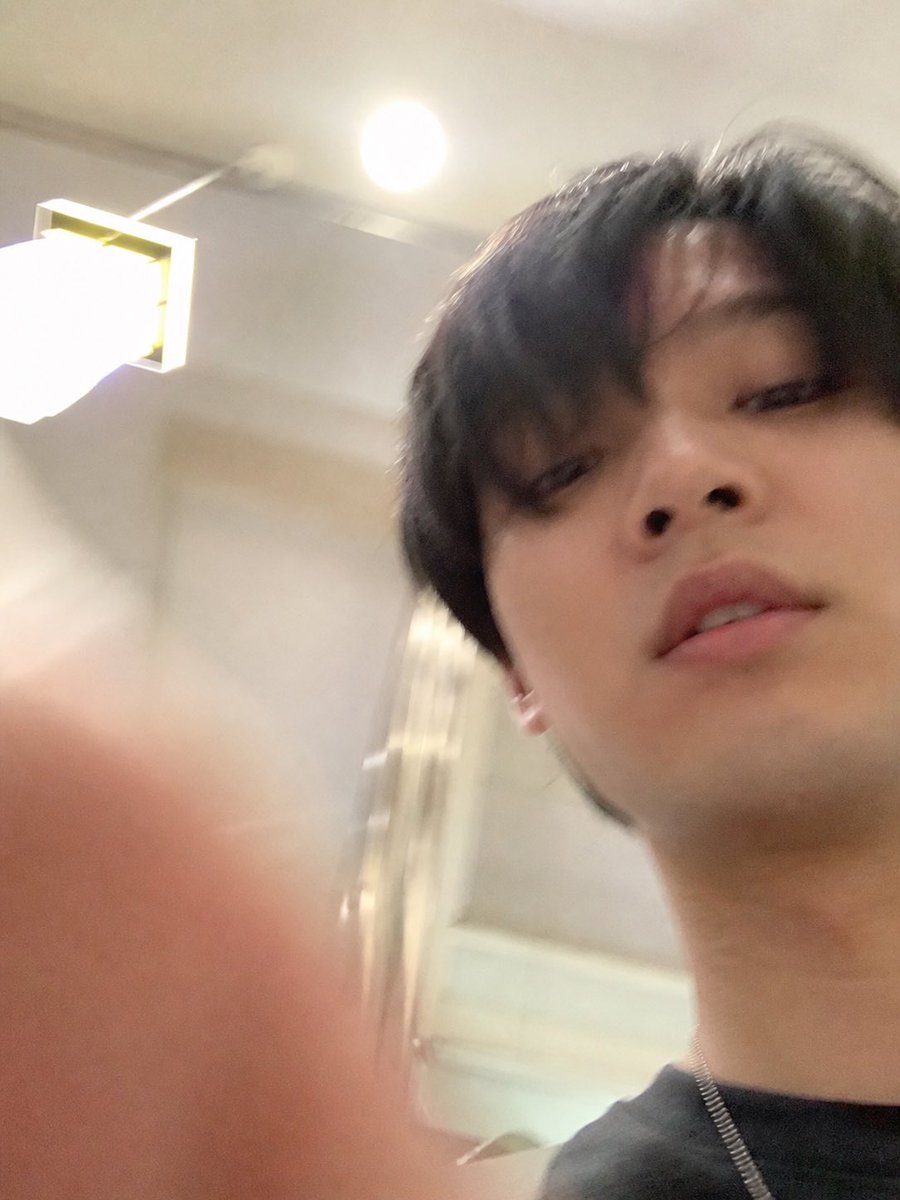
产品视觉 GPT Image 2 提示词:Accidental iPhone Selfie Extraction
Generates a standalone realistic failed selfie by extracting and extending the lower photo from a AI assistant screenshot while removing all UI elements.
📝 提示词
Using REFERENCE_1 as the source, isolate the lower accidental selfie photo and turn it into the final standalone image: remove the AI assistant interface, text bubble, download icon, and input bar completely, then uncrop/extend the snapshot so it fills the frame as a vertical iPhone-style photo. Follow the intent described in REFERENCE_0: make it look like an ordinary, slightly failed, unplanned selfie taken while pulling a phone from a pocket, with a careless low angle, messy composition, slight motion blur, uneven lighting, mild overexposure from the room lights, and a very realistic casual phone-camera feel. Keep the same indoor room, ceiling light, wall lamp, and subject from the lower photo, but show more of the face, neck, dark shirt, and a thin chain necklace, with a blurry finger partially covering the lower-left foreground. Avoid making it look posed, polished, cinematic, or intentionally composed.
🎯 适合场景
适合快速搭建产品图、包装展示和品牌海报:主体、材质、背景与商业修图方向已经有框架,换掉变量就能开跑。
💡 改写建议
- 先替换变量里的品类、人物、城市、品牌色,不急着改整段结构。 把主体、构图和风格分开写,后续微调会更稳。