产品展示
界面稿
社媒配图
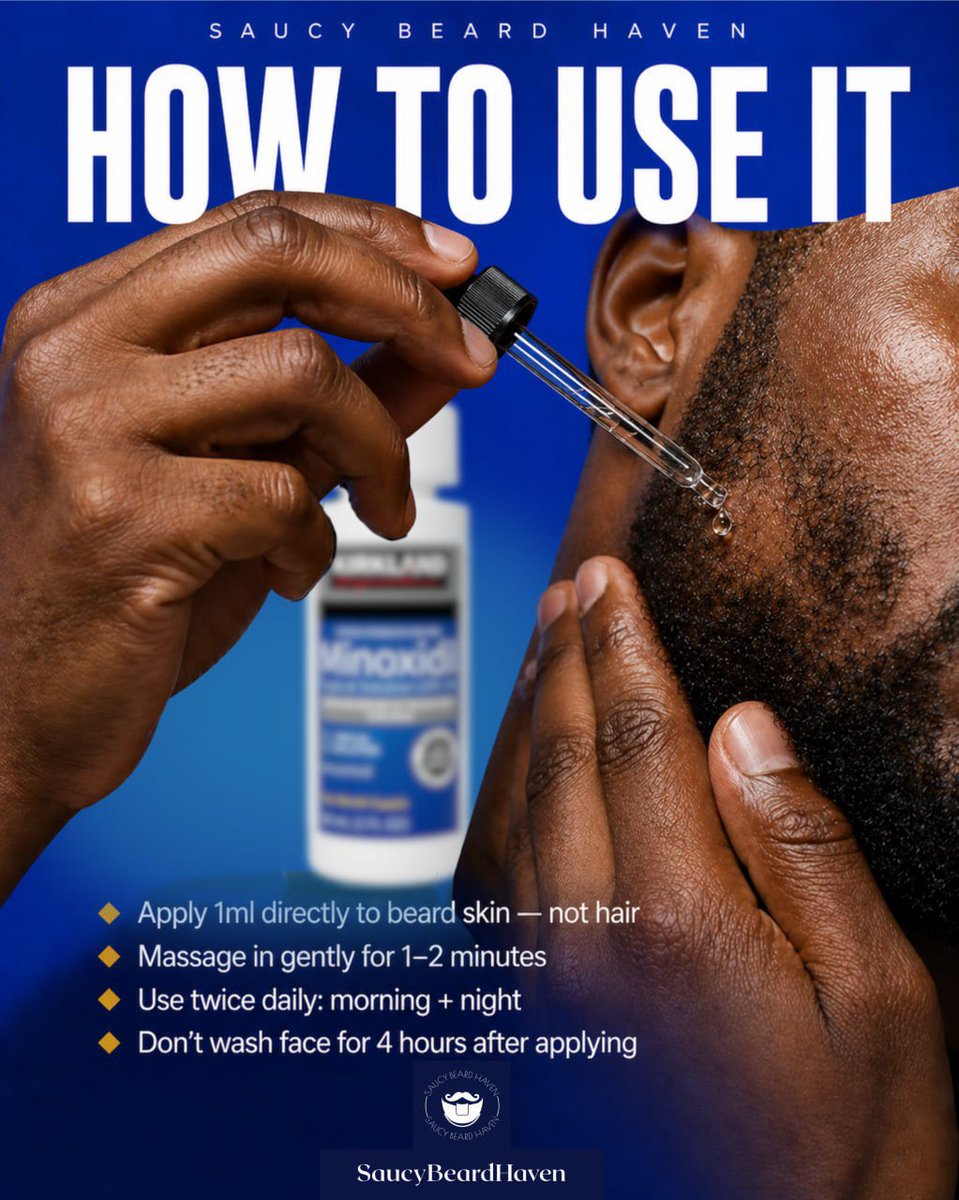
产品视觉 GPT Image 2 提示词:Beard Oil How-To Ad
A polished men’s grooming social post showing how to apply beard treatment, ideal for brand marketing, tutorials, and product education.
📝 提示词
Create a bold square social media advertisement for a beard-growth product tutorial. Use a vivid royal blue gradient background with a high-contrast, editorial grooming-brand look. Show an extreme close-up of a Black man’s cheek, jawline, ear, and beard area on the right side of the frame, with detailed skin texture and short coarse beard hair. His left hand is holding a glass dropper near the beard line, and a clear droplet is about to touch the skin beneath the sideburn area; his other hand lightly presses the beard from below. In the blurred background near the center-left, place a white bottle with a blue label resembling minoxidil packaging, clearly out of focus so it reads as the product without stealing focus. At the very top, add small spaced uppercase branding text: {argument name="brand name" default="SAUCY BEARD HAVEN"}. Below it, place a huge condensed bold white uppercase headline spanning nearly the full width: {argument name="headline text" default="HOW TO USE IT"}. In the lower-left quadrant, add exactly 4 instructional bullet points with small gold diamond icons and clean white sans-serif text: 1) {argument name="tip 1" default="Apply 1ml directly to beard skin — not hair"}, 2) {argument name="tip 2" default="Massage in gently for 1–2 minutes"}, 3) {argument name="tip 3" default="Use twice daily: morning + night"}, 4) {argument name="tip 4" default="Don’t wash face for 4 hours after applying"}. At the bottom center, include a small circular beard-themed logo above a dark blue nameplate with the text “SaucyBeardHaven”. Lighting should be glossy and commercial, with crisp focus on the hands, dropper, and beard edge, creating a premium men’s grooming ad designed for social media app.
🎯 适合场景
适合快速搭建产品图、包装展示和品牌海报:主体、材质、背景与商业修图方向已经有框架,换掉变量就能开跑。
💡 改写建议
- 先替换变量里的品类、人物、城市、品牌色,不急着改整段结构。 把主体、构图和风格分开写,后续微调会更稳。