产品展示
信息图
界面稿
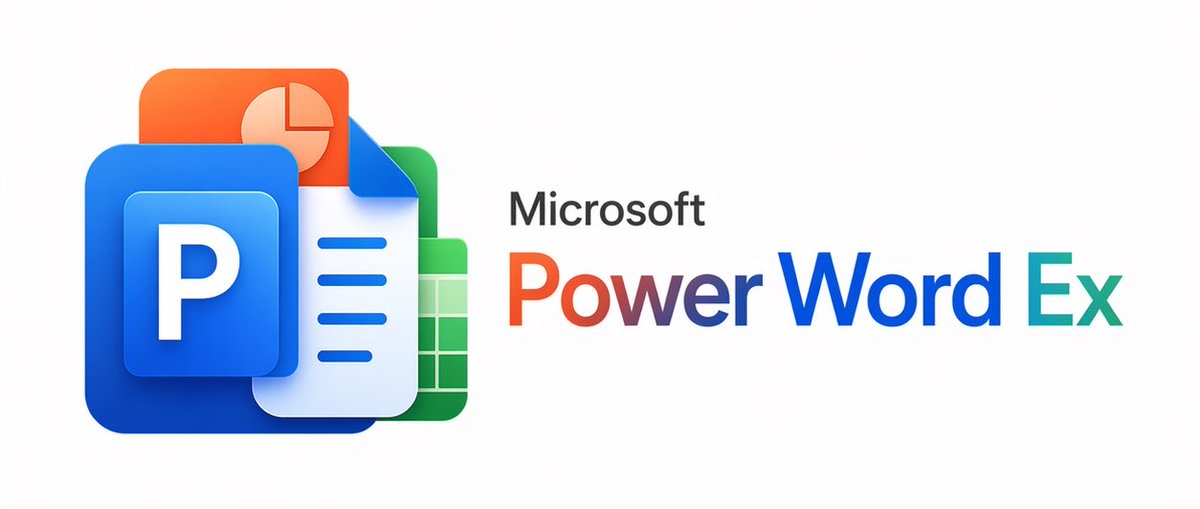
产品视觉 GPT Image 2 提示词:Microsoft PowerWordEx Logo Mockup
A polished hybrid Microsoft Office-style branding image combining four app icons with a custom product wordmark, suitable for logo concepts and parody software branding.
📝 提示词
A clean minimalist tech logo composition on a light gray background, wide horizontal layout. On the left, show a stacked cluster of 4 overlapping Microsoft Office-style app icons with soft gradients, rounded corners, subtle depth, and glossy modern vector shading. The front icon is a large blue square tile with a smaller raised blue panel containing a bold white capital P. Behind and slightly above it, place an orange presentation icon with a white pie-chart symbol. Behind the blue icon to the right, place a white document page icon with a folded blue corner and 4 horizontal blue text lines. At the back on the right, place a green spreadsheet icon with a white grid. Arrange the 4 icons so they overlap tightly and read as a unified hybrid Office app mark. On the right side, place the product name in a clean sans-serif font: small black text reading Microsoft above a large multicolor wordmark reading {argument name="headline text" default="PowerWordEx"}. Color the word in segmented Microsoft-style hues: warm orange-red for Power, deep blue for Word, and teal-green for Ex. Center the whole composition vertically, keep generous whitespace, and render it as polished corporate branding mockup, crisp vector illustration, soft shadowing, no extra objects.
🎯 适合场景
适合快速搭建产品图、包装展示和品牌海报:主体、材质、背景与商业修图方向已经有框架,换掉变量就能开跑。
💡 改写建议
- 先替换变量里的品类、人物、城市、品牌色,不急着改整段结构。 把主体、构图和风格分开写,后续微调会更稳。